
Totalview receptionist
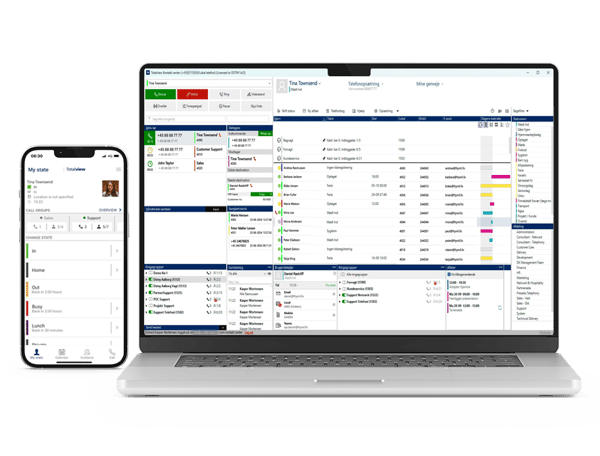
Enable receptionists to deliver faster service and happier customers
Totatview receptionist is a module for the Connect telephony solution that makes it easier and more efficient for your company’s reception team to handle calls - ensuring faster and better service for your customers.







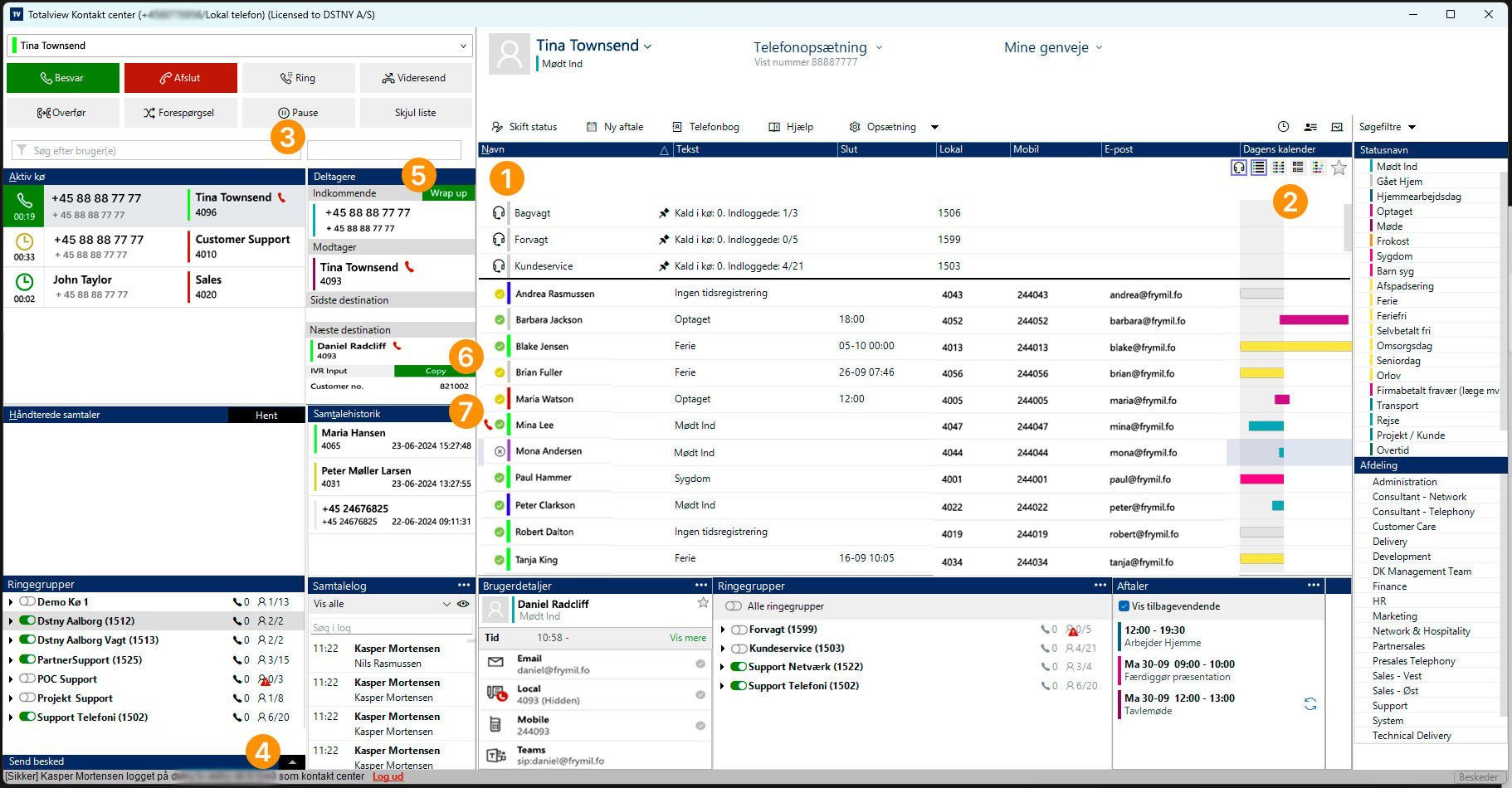
Overview
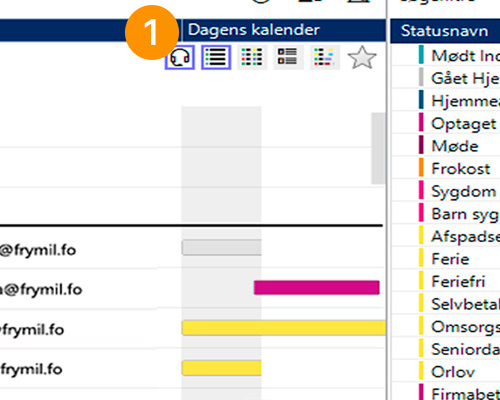
Calendar integration
Exchange integration gives receptionists a complete overview of colleagues’ calendars, allowing them to see when a colleague will be available again. This integration of calendar and presence/activity status supports most major external calendar systems.
Advanced searching
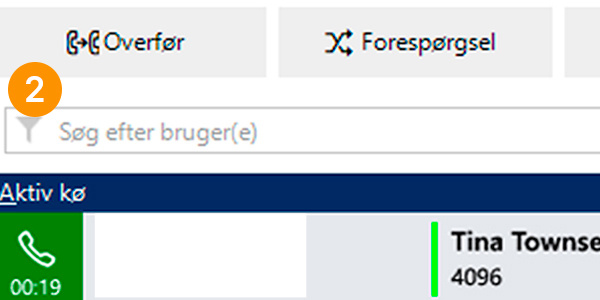
Totalview receptionist features advanced search functionality that makes it quick and easy to find the right information in real time. Search results are updated dynamically as you type in the search field.
Receptionists can search across employees, information profiles, departments, locations, countries, skills, and availability (including activity status, appointments, custom filters, call groups, and more). The search functionality also supports fast and accurate searching by recognizing similar-sounding words regardless of spelling, as well as finding results where the search term appears within longer text.
Message templates
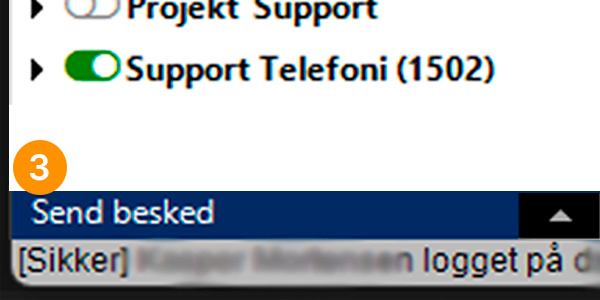
The messaging feature allows receptionists to create and use different templates for sending emails and/or SMS messages to employees - for example, to relay a message from a customer or simply to inform colleagues about various matters.
When using these templates, dynamic fields can be inserted and automatically populated based on call details or other contextual data, such as caller ID (A-number), queue, operator name, called from/to, date, and time.
Wrap up time
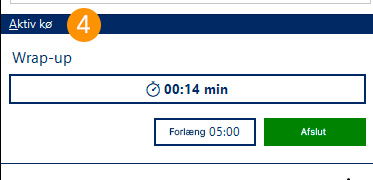
Wrap-up time is used by receptionists to handle post-call tasks after a customer interaction - without being interrupted by additional calls.
Once a call has ended, the receptionist can perform various tasks such as entering information into a case management system, sending an email, or carrying out follow-up activities related to the conversation.
Collect data through IVR
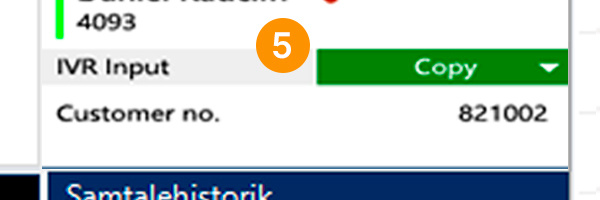
The IVR input field displays the information entered by the customer, such as a customer number, case number, or similar details. This input can be used in other IT systems for lookups and quick access to information.
The receptionist can quickly copy and paste the input into the relevant system, enabling customer data to be displayed even before the call is answered. It is also possible to use the customer’s entered input to automatically look up information in the relevant IT systems.
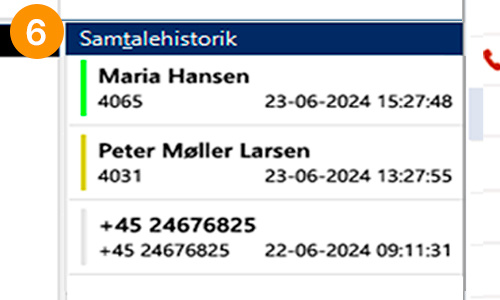
Call logs
This helps receptionists, customer service teams, and other customer-facing departments that handle calls quickly gain an overview of a customer’s previous interactions with the company. As soon as a customer calls, it becomes visible who the customer has spoken with during earlier inquiries.