status_on_smartphone

Status display in Connect 3.0

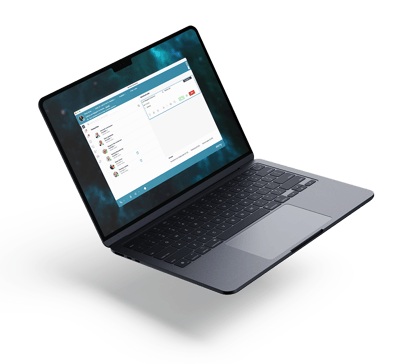
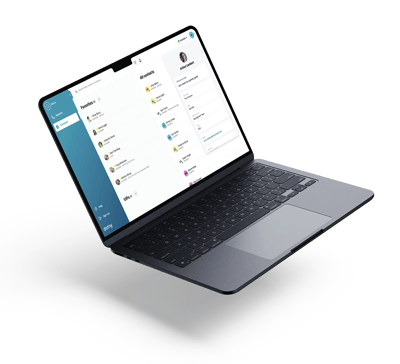
 View activity status for you and your colleagues 

Advanced status display with calendar-controlled absence codes in Connect 3.0

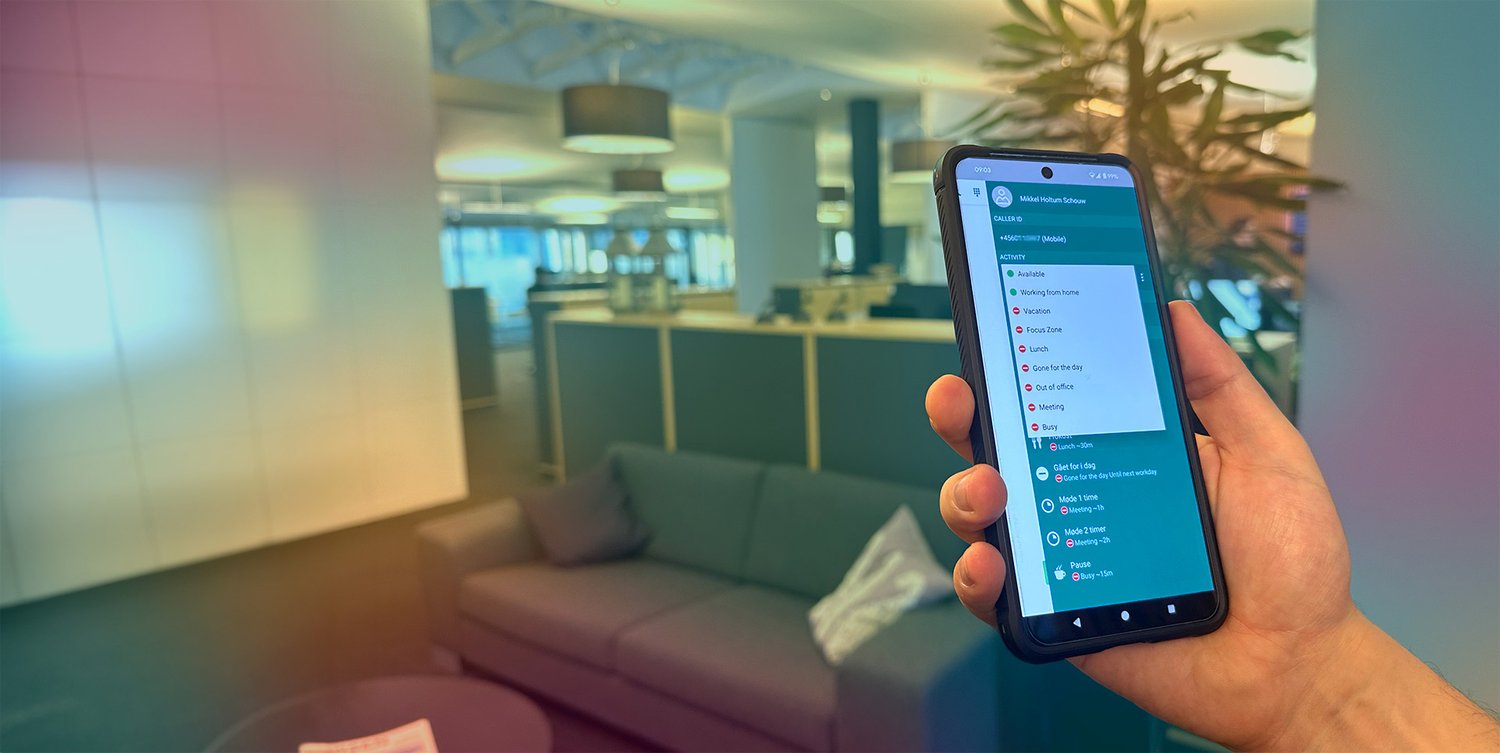
In Connect 3.0, your activity status is primarily managed by your calendar. Absence codes (e.g. “meeting,” “lunch,” and “vacation”) from your calendar automatically update your status, ensuring it is always up to date. This means you don’t need to manually update your status, as long as your calendar is maintained.

When you’re unable to answer calls, “spoken absence” informs callers of the reason for your unavailability based on your absence codes.

Benefits

laptop-mobile-regular
 Available on all devices with the app and softphone with activity status
square-4-regular
 View status now and up to 4 hours ahead for all colleagues
rotate-regular
 Automatic synchronization between calendar and status display
wand-magic-regular
 Automatic status updates during calls
arrows-left-right-regular
 Same status in Teams and in the telephony system

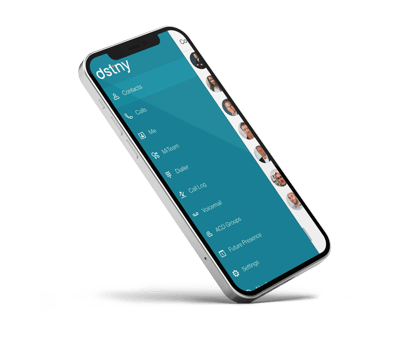
Screenshots of status display in the Connect 3.0 app
iphonedstny_futurepresence

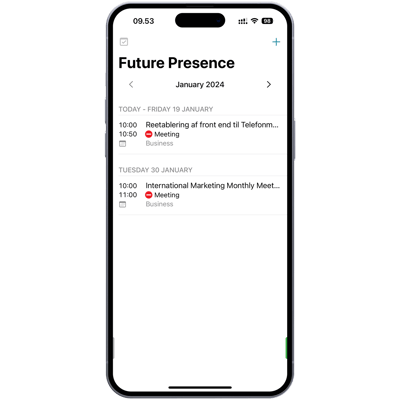
See your colleagues’ upcoming status

You can not only see your colleagues’ current status when, for example, you need to call and speak with them. It is also possible to view your colleagues’ calendars ahead of time, allowing you to better plan when it’s most suitable to get in touch with a specific colleague.
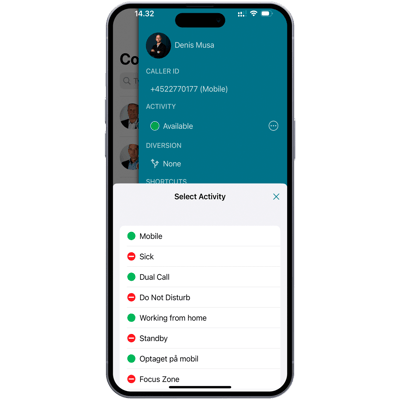
iphonedstny_statusvisning

Automatic and manual status management and “spoken absence”

 Your calendar automatically updates your status based on your scheduled activities. However, you can also easily change your status manually. In addition, you can create your own absence codes if needed. The standard absence codes also control the recorded message played to callers when, for example, you are in a meeting.
teams_connect_dstny_2

Teams Connect synchronizes your activity status in Teams and in the telephony system

Teams Connect is an integration service that ensures your activity status in Teams is also reflected in Connect 3.0. “Presence Sync” enables the exchange of status data from Teams to the telephony solution, so the same status is shown in both systems. For example, when you are in a meeting, your meeting status is displayed in both systems, and the message played during incoming calls will also indicate that you are in a meeting.

During a call from a customer, Teams Connect also updates your status to “busy” in Teams based on your telephony activity, ensuring both systems stay aligned. As soon as the call ends, the “line state” in the telephony system changes to available. Teams Connect automatically ensures that this is immediately reflected in Teams as well.
Let's get in touch

Want to learn more about Connect 3.0?
Fill out the contact form to get in touch with our advisory team.

2026-04-17 14:26:13